Background
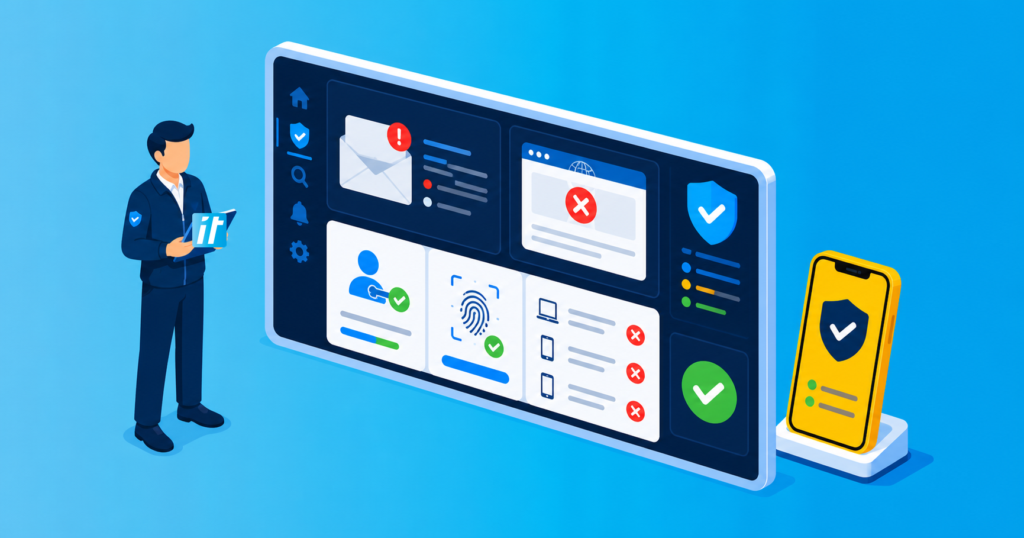
On the night of 24 March 2025, a client received an email from their lawyer requesting them to review an important document. The email appeared legitimate, complete with the lawyer’s real email signature, which added to its authenticity. The client, expecting paperwork, clicked the link and encountered a sign-in prompt presented as a Face ID or passkey login on a fake Microsoft 365 page. However, they quickly became suspicious and contacted our emergency after-hours support line, a crucial step that ultimately saved them from a potentially disastrous breach.
How the Attack Worked
The phishing email came from the lawyer’s compromised account, making a malicious document request look familiar. The incident was reported as a session-compromise attempt. However, a page mentioning Face ID or passkeys does not establish which authentication flow actually completed. That requires sign-in and audit evidence.
Genuine FIDO2 passkeys are phishing-resistant and bound to the legitimate service. This case should not be read as proof that a fake website defeated passkey cryptography. Attackers may instead exploit another sign-in flow, weak enrolment controls or an already compromised session. Microsoft explains the distinction in its authentication strengths guidance.
What We Did
Upon receiving the client’s call, our team immediately sprang into action. We forced an immediate logout of all active sessions to kick out the attacker, ensuring that no unauthorised access was maintained. Next, we revoked all authentication tokens to prevent session hijacking, which would have allowed the attackers to continue accessing the account even after the initial login. We then scanned for and removed any unauthorised OAuth apps or app passwords that the attackers might have installed. To further secure the account, we locked it down and enforced additional security measures. Finally, we contacted the law firm to notify them of the compromise and prevent further attacks, ensuring that their email account was secured to prevent similar incidents in the future.
Outcome
Thanks to our swift intervention, we prevented the attackers from establishing persistent access to the client’s account. The client’s data remained secure, and we ensured that no unauthorised access was granted. Our actions also helped protect the law firm from potential future attacks by alerting them to the compromised email account. This successful intervention highlights the importance of having a responsive and proactive cybersecurity team that can act quickly in emergency situations.
Why a familiar sender is not enough
A compromised legitimate mailbox can lend credibility to a phishing message. The absence of an SMS code or push notification does not mean MFA was skipped: supported passkeys and Windows Hello for Business can satisfy phishing-resistant MFA without those prompts. Teams should assess the complete sign-in, session and cloud activity rather than infer the authentication method from what a page displayed.
Recommendations for protection
To protect against similar attacks, it is crucial to train employees to verify unexpected sign-in and account-setup requests, even when they appear to come from trusted senders. Verifying the domain before approving any login request is also essential.
Using security keys like YubiKeys provides phishing-resistant authentication. It does not guarantee protection against every form of session theft, endpoint compromise or abuse of an allowed authentication flow. Pair strong authentication with appropriate device, enrolment and session controls.
Monitoring OAuth permissions and removing unnecessary third-party app access can also help prevent attackers from maintaining long-term access.
Finally, implementing conditional access policies to restrict logins based on location, device, or behavior can provide an additional layer of security against sophisticated phishing attacks.
Conclusion
While Microsoft has emphasized that passkeys are phishing-resistant, the rapidly evolving nature of cyber threats underscores the critical need for vigilance and swift response. This case study illustrates the importance of proactive security measures and 24/7 support in preventing potentially disastrous breaches.
Our emergency support team’s rapid intervention highlights the value of combining effective security tools with a responsive support team to bolster defences against sophisticated phishing attacks. By adopting this approach, businesses can significantly enhance their security posture in today’s dynamic threat landscape.