Content reviewed and updated 15 September 2026.
A Microsoft 365 licence is not a security review
Email, Teams, SharePoint and OneDrive share identities and information. Useful security depends on how those connections are configured, maintained and monitored, not just which subscription is purchased.
Start with the risks that matter to your team: account takeover, unsafe sharing, unmanaged devices and recovery. The eleven checks below are a discussion guide for your IT team, not instructions to make untested tenant-wide changes.
For Sydney organisations, the practical outcome is a clear owner for each control and a record of what has been checked.
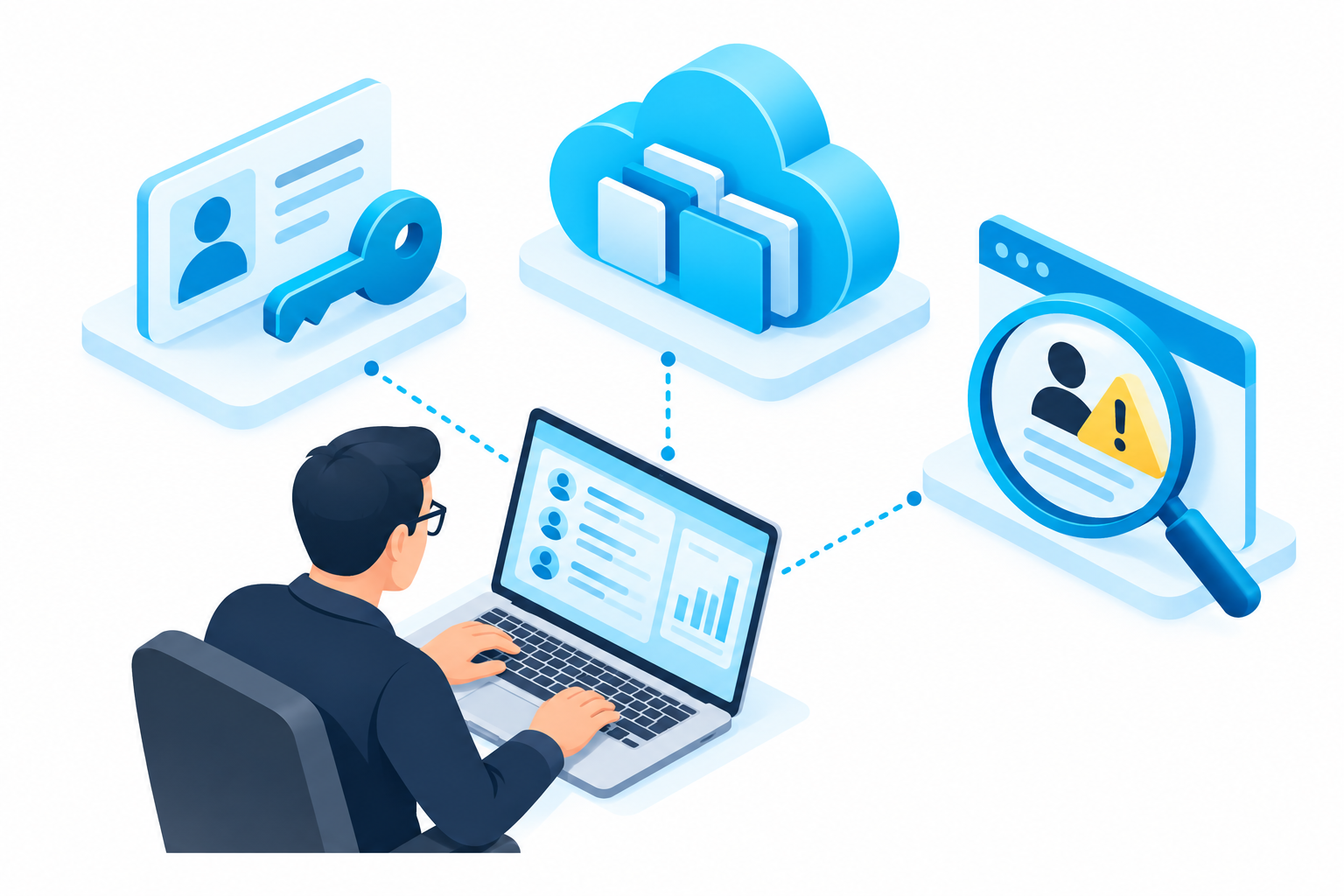
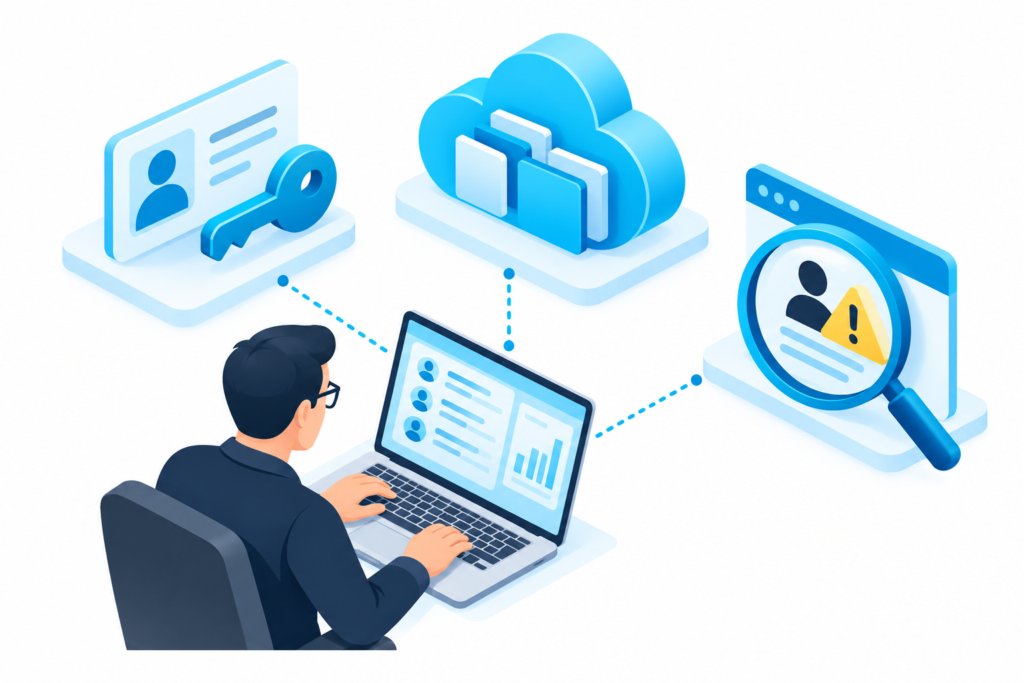
How people sign in and register security methods.
Who can access the environment?Permissions, sharing and sensitive content.
What can an account reach?Logging, reporting and tested recovery.
What happens when something goes wrong?Features depend on Microsoft licensing and configuration. See why fake passkey setup requests make these controls relevant.
Eleven checks for your next review
1–3. Sign-in and privilege
Use suitable MFA, choose the right access-policy approach and minimise privileged access.
What to check
1. Prefer phishing-resistant authentication for sensitive access. 2. Review security defaults OR a planned Conditional Access deployment; they are not two switches to layer blindly. 3. Separate administration from everyday work and review privileged roles.
4–6. Devices, sessions and old access
Manage devices, set proportionate session controls and address legacy authentication.
What to check
4. Review device compliance and lost-device processes. 5. Test session controls against real workflows; a timeout is not a guarantee against account theft. 6. Identify dependencies on old authentication and plan supported replacements before enforcement.
7–9. Email and information
Check email protection, sharing permissions and sensitive-data controls.
What to check
7. Review relevant Defender for Office 365 policies if licensed. 8. Check external sharing, guest access and public calendar exposure. 9. Use appropriate labels, DLP and encryption; encryption does not stop misuse by an already authorised account.
10. Logging and response
Know which signals are collected and who acts on them.
What to check
Check audit coverage and retention for your licences. Connect unusual sign-ins with changed authentication methods and abnormal access. Make escalation responsibilities explicit.
11. People and recovery
Give staff a reporting route and rehearse recovery.
What to check
Train people to verify unexpected support or payment requests. Test backup restoration and review offboarding. A security score or completed training course is not proof that every risk is controlled.
Sources & further reading
Microsoft: plan Conditional Access
Which Microsoft 365 controls need attention?
Explore ITFR’s cloud security services for Sydney teams. Scope the review around your users, information and existing licences.
Originally adapted with permission from The Technology Press. Substantially reviewed and updated by ITFR for current terminology and guidance.